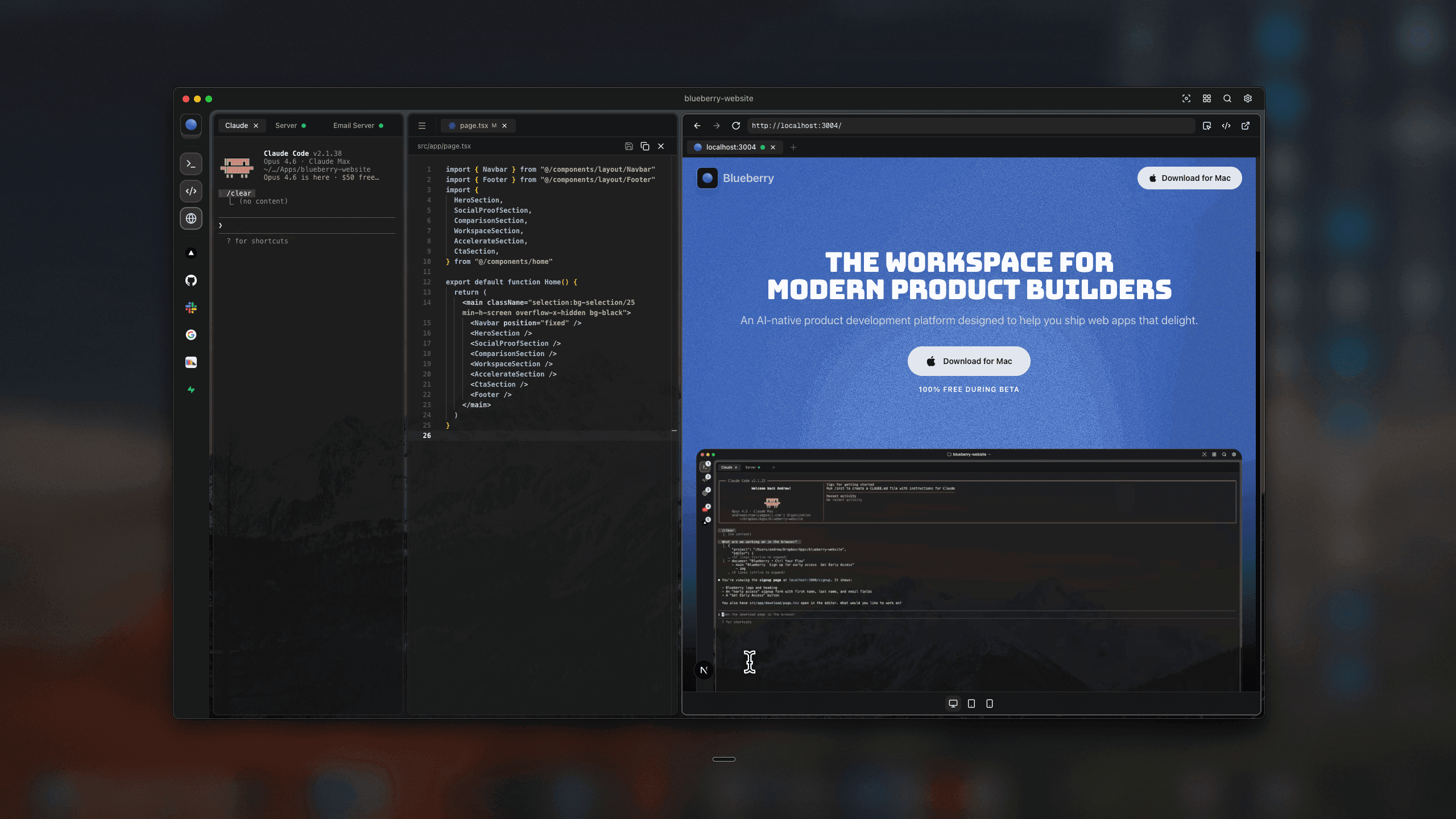
The workspace for
modern product builders
An AI-native product development platform designed to help you ship web apps that delight.
100% Free during beta

Loved by pioneers at
Building products shouldn't feel like juggling tools
Stop switching between apps. Build and ship from one workspace.
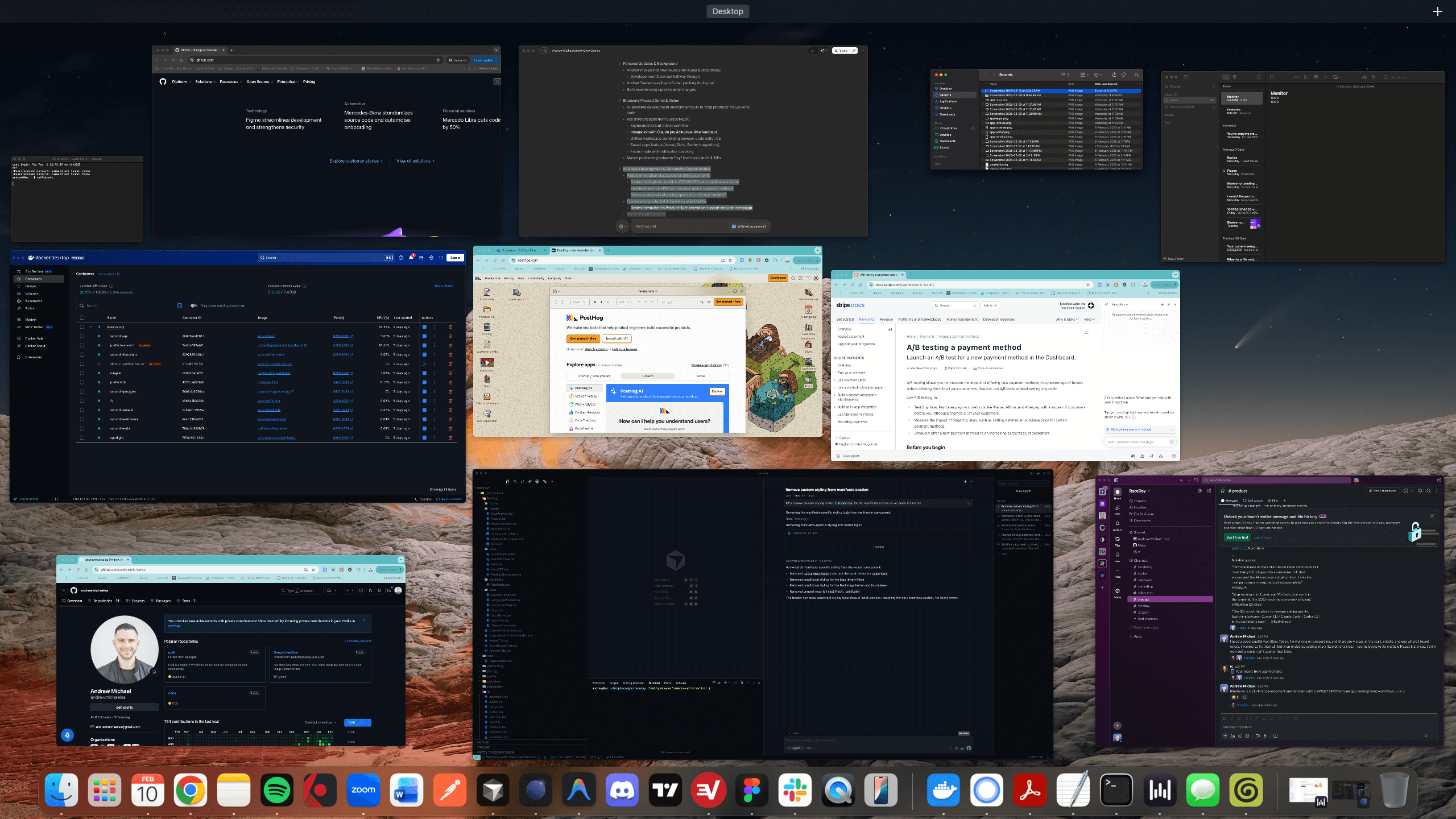
Better
together
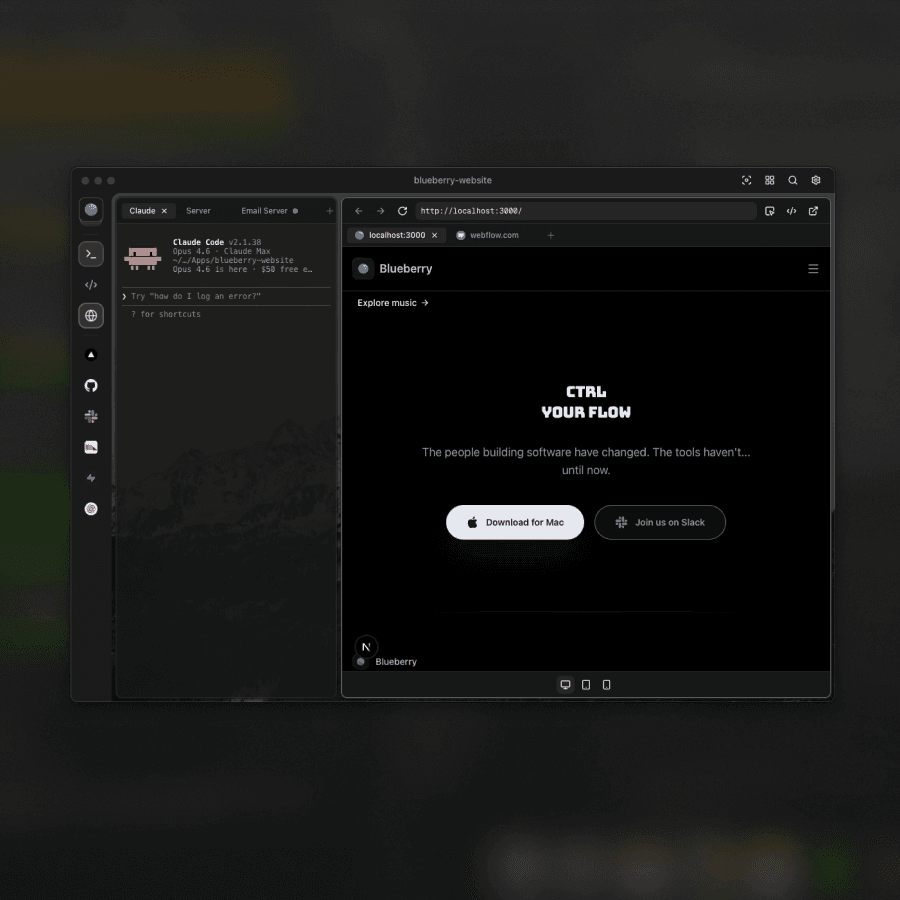
A terminal, code editor, and preview browser that feel like they were always meant to be together.
Your AI sees your whole project
Run Claude, Codex, or a model of your choice in the terminal. Blueberry gives it live context over your editor, browser, and running apps.
Explore the terminalEdit code without compromise
Full syntax highlighting, multi-cursor, find and replace, and git integration. A real editor that also feeds context to your AI.
Explore the editor
Preview on every device
Desktop, tablet, and mobile views built-in so you can see exactly what your users see without leaving your Blueberry workspace.
Discover the browserConstant
context
Most editors have AI. Only Blueberry gives it full context, your code, your browser, and your tools.
Blueberry's built-in MCP server lets your AI see and interact with your entire workspace: open files, preview browser, terminal output, and pinned apps. It always has full context.
Explore Blueberry MCPKeep GitHub, Linear, Figma, and PostHog docked inside your workspace. They load with your project and share live context with your AI.
Discover pinned appsGive your AI visual context by capturing screenshots or selecting elements directly from the preview browser.
Learn more



AI that sees your whole project
Most editors have AI. Only Blueberry gives it full context: your code, your browser, and your tools.
Blueberry MCP
Blueberry's built-in MCP server lets your AI see and interact with your entire workspace: open files, preview browser, terminal output, and pinned apps. It always has full context.
Explore Blueberry MCPPinned Apps
Keep GitHub, Linear, Figma, and PostHog docked inside your workspace. They load with your project and share live context with your AI.
Discover pinned appsScreenshot & Element Select
Give your AI visual context by capturing screenshots or selecting elements directly from the preview browser.
Learn moreWork flows
when you're in ctrl
Launch anything from the command bar, save your workspace setup per project, and access it from any device.


Command Bar
Launch anything instantly. Open files, switch projects, run commands, and navigate your workspace, all from a single keyboard shortcut.
Explore the command barSaved Setups
Save and restore your workspace configuration per project. Terminal sessions, editor tabs, browser URLs, and layout, all remembered.
Explore saved setups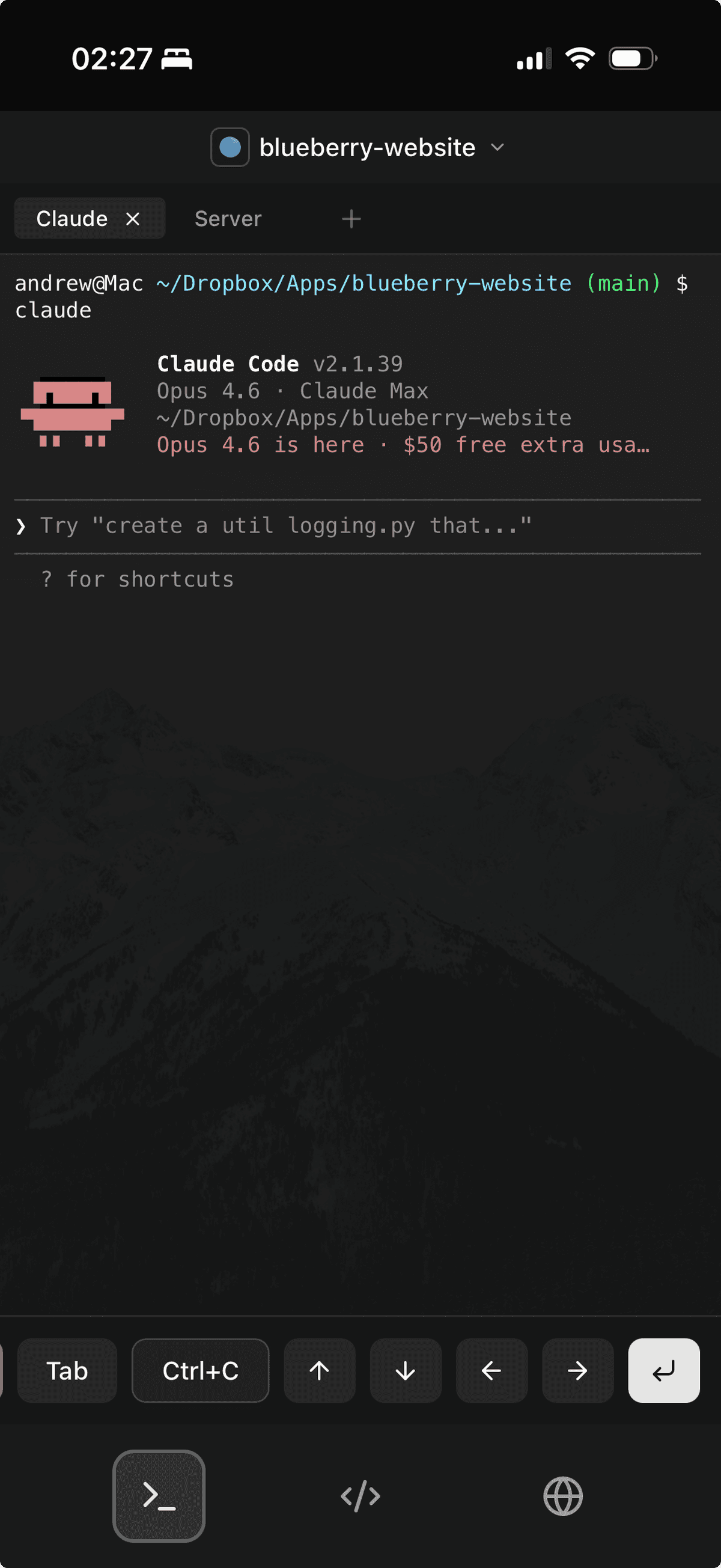
Remote Access
Access Blueberry from your iPad, phone, or any device on your local network. Open a browser and pick up right where you left off.
Explore remote accessDesigned
for focus
Flow mode, tiling layouts, ambient music, and themes. Everything you need to get in the zone and stay there.
Enter a distraction-free deep work mode that dims everything outside your focus. Toggle with a shortcut and stay in the zone.
Explore flow modeArrange your workspace with Hyprland-inspired tiling layouts. Fibonacci, grid, columns, or rows: pick the layout that fits your workflow.
Explore layoutsChoose from 8 wallpaper themes to make Blueberry feel like yours. Each theme sets the mood for your workspace.
Explore themesBuilt-in ambient music to help you focus. Pick a mood and let the soundtrack fade into the background while you build.
Explore music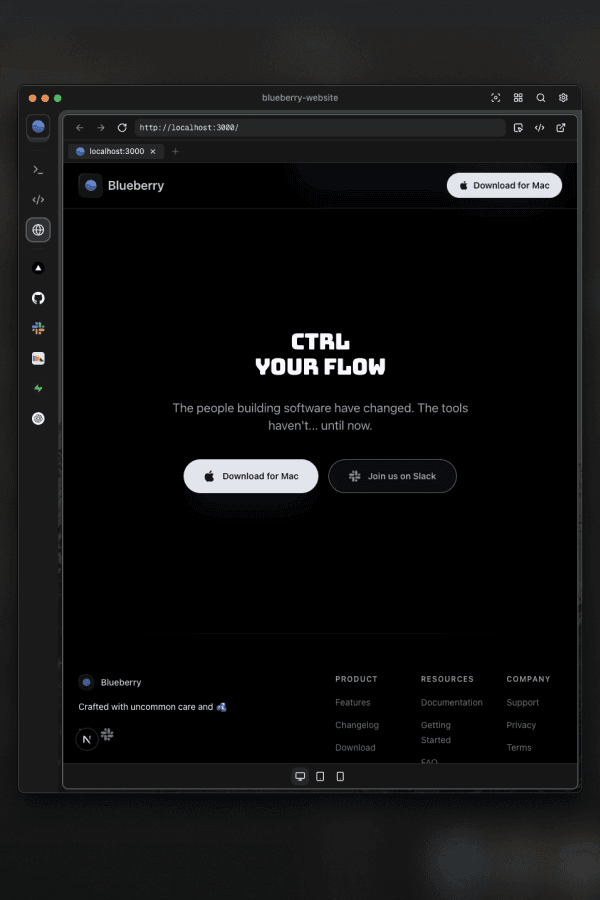

Designed for deep work
Everything you need to get in the zone and stay there.
Flow Mode
Enter a distraction-free deep work mode that dims everything outside your focus. Toggle with a shortcut and stay in the zone.
Explore flow mode%22%2F%3E%3Cpath%20d%3D%22M63.7076%20110.284C60.8481%20113.885%2055.0502%20111.912%2054.9813%20107.314L53.9738%2040.0627H99.1935C108.384%2040.0627%20113.456%2050.7879%20107.508%2057.7399L63.7076%20110.284Z%22%20fill%3D%22url(%23paint1)%22%20fill-opacity%3D%220.2%22%2F%3E%3Cpath%20d%3D%22M45.317%202.07103C48.1765%20-1.53037%2053.9745%200.442937%2054.0434%205.041L54.4849%2072.2922H9.83113C0.640828%2072.2922%20-4.43172%2061.567%201.51662%2054.6149L45.317%202.07103Z%22%20fill%3D%22%233ECF8E%22%2F%3E%3Cdefs%3E%3ClinearGradient%20id%3D%22paint0%22%20x1%3D%2253.9738%22%20y1%3D%2254.974%22%20x2%3D%2294.1635%22%20y2%3D%2271.8295%22%20gradientUnits%3D%22userSpaceOnUse%22%3E%3Cstop%20stop-color%3D%22%23249361%22%2F%3E%3Cstop%20offset%3D%221%22%20stop-color%3D%22%233ECF8E%22%2F%3E%3C%2FlinearGradient%3E%3ClinearGradient%20id%3D%22paint1%22%20x1%3D%2236.1558%22%20y1%3D%2230.578%22%20x2%3D%2254.4844%22%20y2%3D%2265.0806%22%20gradientUnits%3D%22userSpaceOnUse%22%3E%3Cstop%2F%3E%3Cstop%20offset%3D%221%22%20stop-opacity%3D%220%22%2F%3E%3C%2FlinearGradient%3E%3C%2Fdefs%3E%3C%2Fsvg%3E)
Layouts
Arrange your workspace with Hyprland-inspired tiling layouts. Fibonacci, grid, columns, or rows: pick the layout that fits your workflow.
Explore layouts
Themes
Choose from 8 wallpaper themes to make Blueberry feel like yours. Each theme sets the mood for your workspace.
Explore themesMusic
Built-in ambient music to help you focus. Pick a mood and let the soundtrack fade into the background while you build.
Explore musicCtrl
your flow
The people building software have changed. The tools haven't... until now.